After logging in to knopman.com, click on “Training Center”
at the top right of the screen, next to your name. This is where all
your active courses are located.
I clicked on “Reset Password” but did not receive an email.
+
Check your Junk/Spam folder! If the email has still not arrived, don’t panic, our Client Experience team is here to help.
Email support@knopman.com for assistance, including "URGENT" in the subject line, and we will assist you as soon as possible.
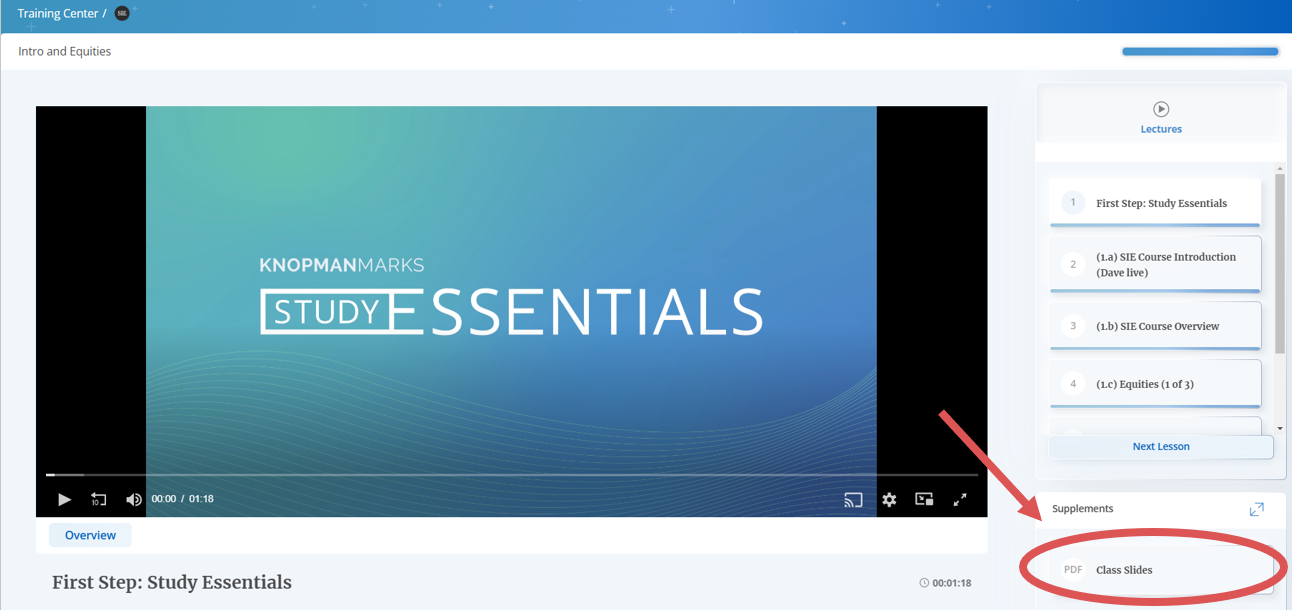
Go to your Training Center. Then click on “Lesson 1” at the home screen of your exam to begin watching.
The class slides are in the Supplements at the bottom right of Lesson 1.
How do I create and take a practice exam?
+
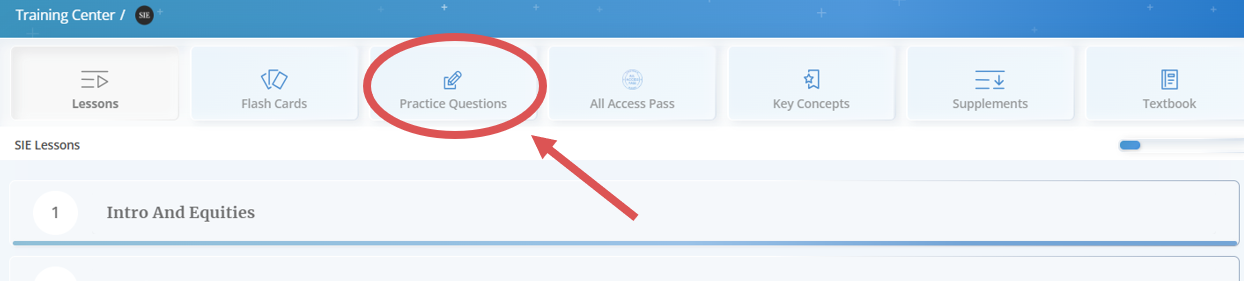
In your Training Center, click on “Practice Questions” at the top right of the screen.
How do I enroll in a class?
+
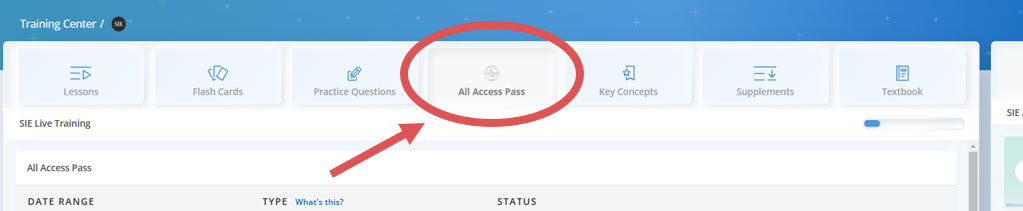
If you are enrolled in All Access Pass, navigate to your Training Center and click on the “All Access Pass” tab at the top of the screen. From there, you can enroll in an unlimited number of live sessions.
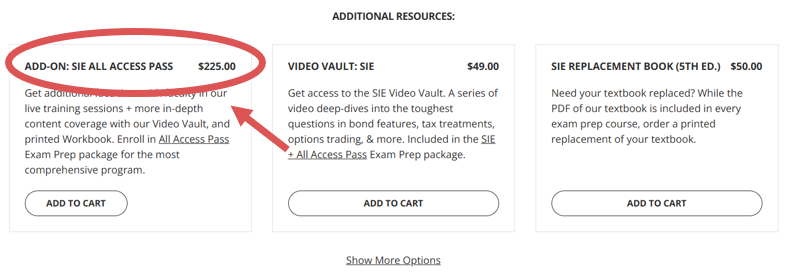
Not yet enrolled in All Access Pass? You can purchase the All Access Pass as an add-on.
Where is my physical textbook?
+
Please email support@knopman.com if you have not already, to request tracking.


Comments
0 comments
Please sign in to leave a comment.